Loading the page…
Loading the page…
What we learned building Rapport, a contacts app and light CRM on shadcn/ui with Base UI: six traps in the shadcn CLI, Base UI, Intl.Collator, libphonenumber and avatar loading.
Written with AI: Claude Opus 5.5, through Claude
6 lessons learned building it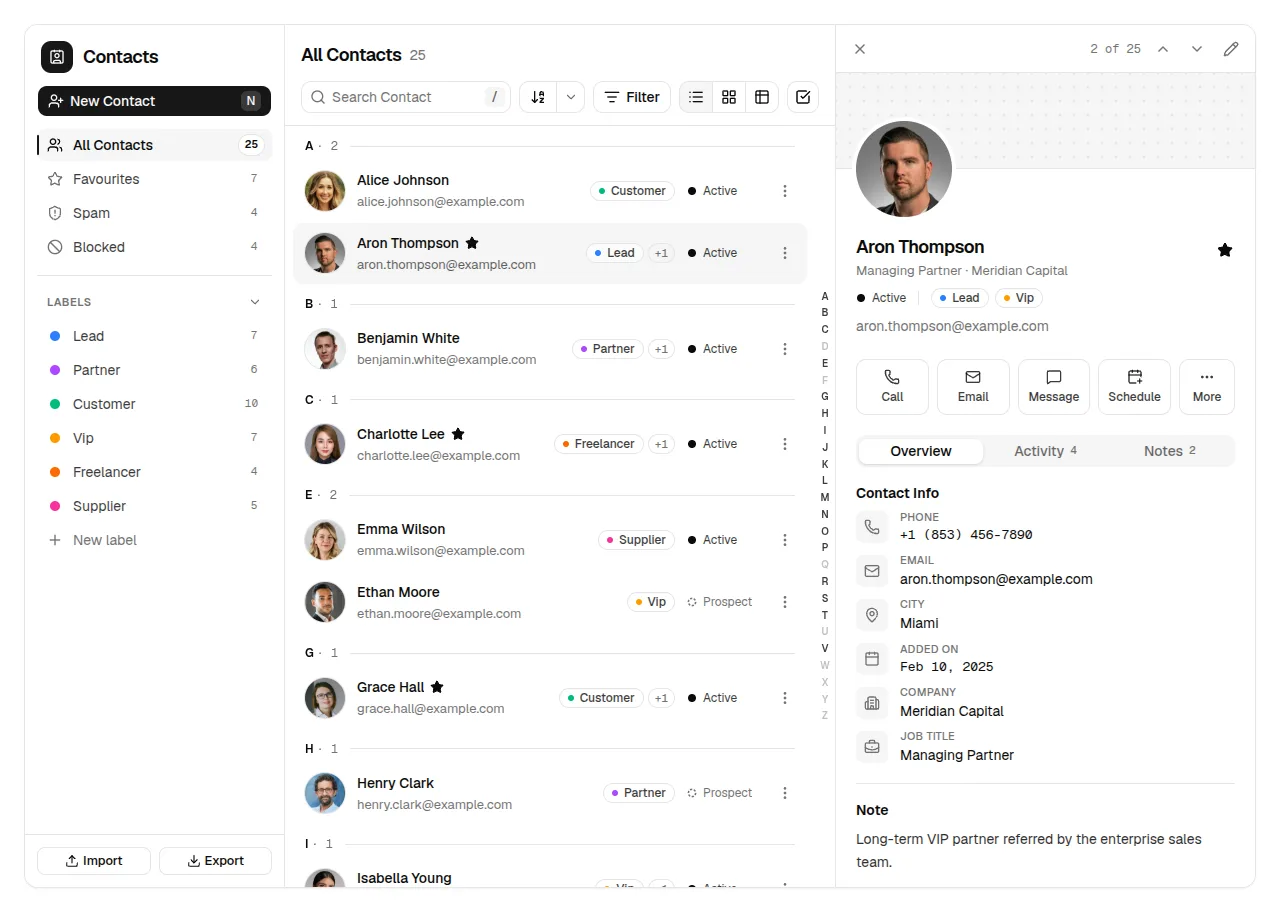
The product
Rapport — Contacts App & CRM for React, shadcn/ui & Tailwind (Address Book UI)Pro plan · Component
The product
Pro plan · Component
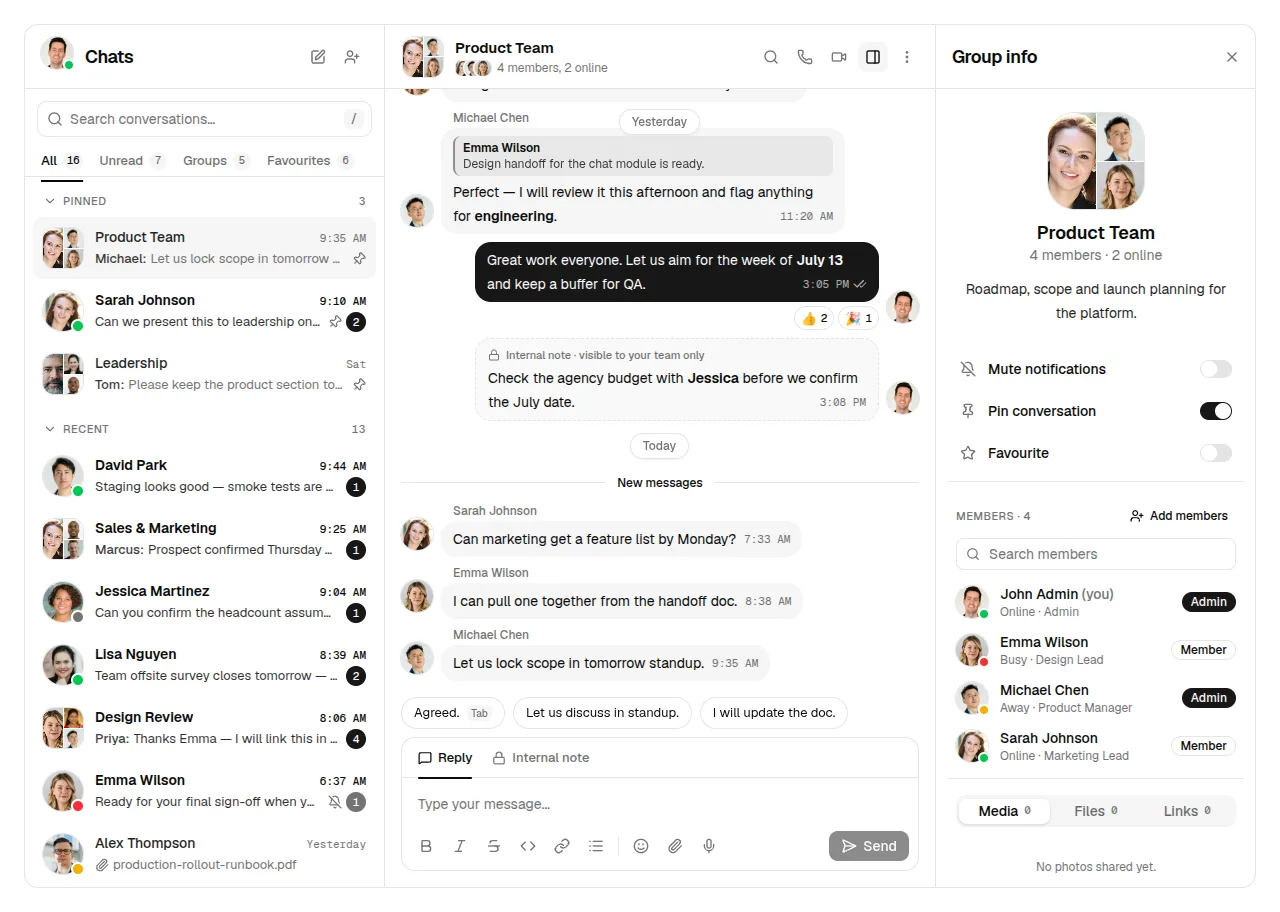
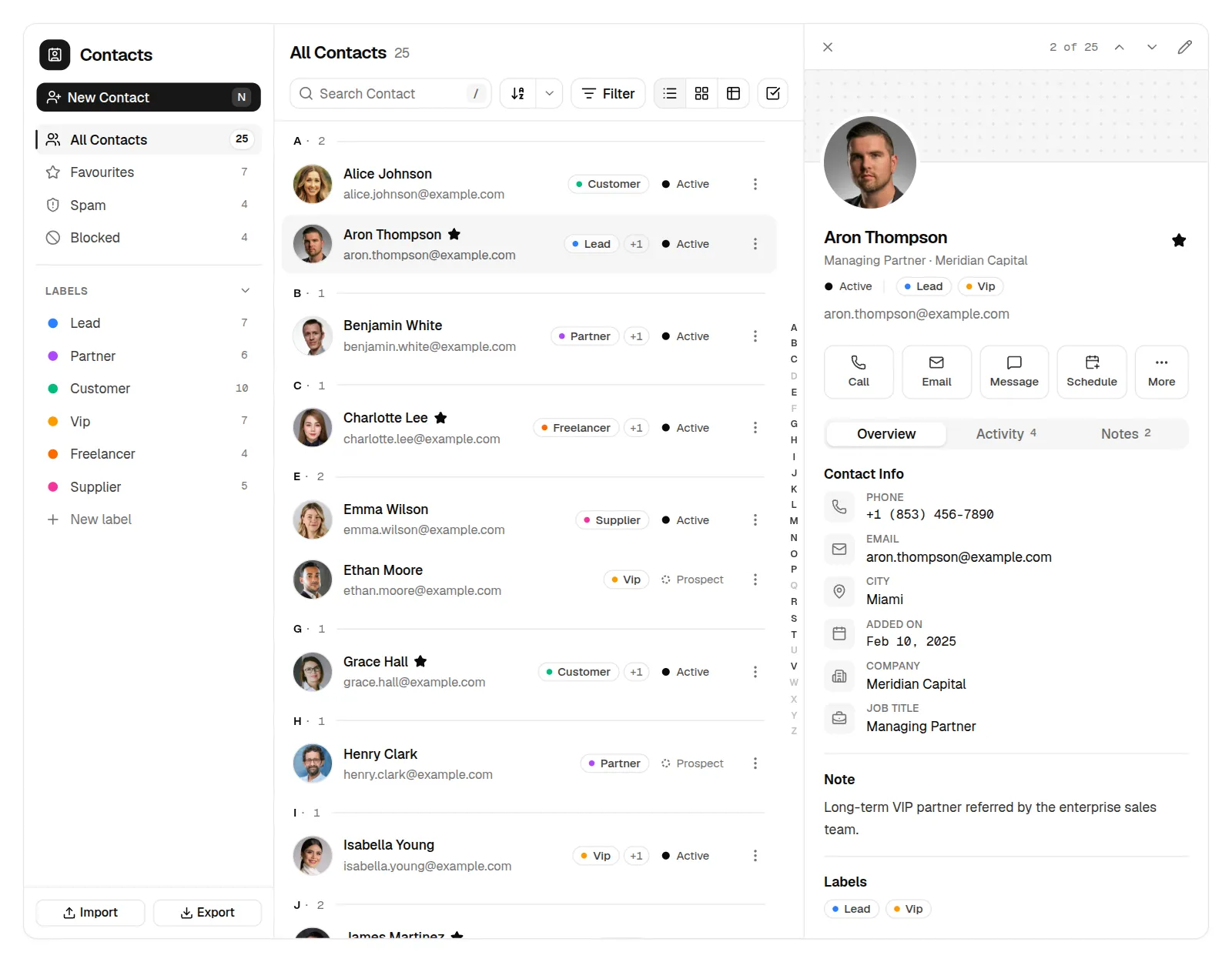
A complete contacts manager for React and shadcn/ui: folders and labels, highlighted search, filters, list, grid and table views, details, activity and notes, validated forms with photo crop, bulk actions with Undo, CSV and vCard import/export. Light and dark, phone to desktop.
npx shadcn@latest add @upfork/shadcn-contacts-app-crm-reactRapport is a contacts manager and light CRM for React on shadcn/ui, built with the Base UI primitives: folders and labels, search with highlights, filters, list, grid and table views, an A–Z rail, contact details with activity and notes, validated forms with photo cropping, bulk actions with Undo, CSV and vCard import and export, keyboard shortcuts, phone and tablet layouts, light and dark.
This article is for anyone, person or AI, building a data-heavy app on shadcn/ui, especially with Base UI underneath: six traps we hit, from the shadcn CLI that installs the component to a phone number that turned a Boston contact Canadian, each with its fix.
Before a release goes out, an install check installs the component with the shadcn CLI into a fresh Next.js project, the way a buyer's project gets it.
Renaming a label happens in a popover that opens from the label's menu, not from a button of its own. The popover still needs an anchor, so its trigger is a 1 px invisible span at the row's edge:
Bulk selection uses "select all" checkboxes that are checked, unchecked, or partly checked when only some rows are picked.
The sample contacts' phone numbers are invented, and most use the 555-01xx numbers reserved for fiction. Two didn't.
Every contact shows a photo, or their initials when there isn't one.
15 unit tests; 82 click-throughs on the production build, all passing; axe finds no violations on 11 screens in light and dark; 120 screenshots (12 views, two themes, five widths). The real install check, with the shadcn CLI in a fresh Next.js project, passes on all 48 files.
<Contacts /> takes your contacts and labels, a defaultView and a defaultContactId to open on, syncUrl to keep the view and the open contact in the address, and onContactsChange, called after every change so you can save them. By default Email, Message and Schedule open mailto:, sms: and an .ics file; the links prop sends them to your own mail, chat and calendar instead.
npx shadcn@latest add @upfork/shadcn-contacts-app-crm-reactInstalls with your UpFork access token once you have it: see how on its page.
Written by
Ramin ValadanProved GitHub account and website, confirmed e-mail: checked by UpFork
Full-stack developer and founder of UpFork · .NET, React/Next.js and WebGL
This version is signed in UpFork’s ledger as entry #178, so anyone can check it hasn’t changed since it was published. Check it.
Something wrong in it, or against the rules? Report it.
Behind the build · Parley — Team Chat App for React, shadcn/ui & Tailwind (Messenger UI)
How Parley keeps the open chat in the URL under Next 16, and ships its 22 Base UI primitives inside the component, under UpFork's 400,000-character cap.
Ramin ValadanProved GitHub account and website, confirmed e-mail: checked by UpFork5 min readAI
3 lessons
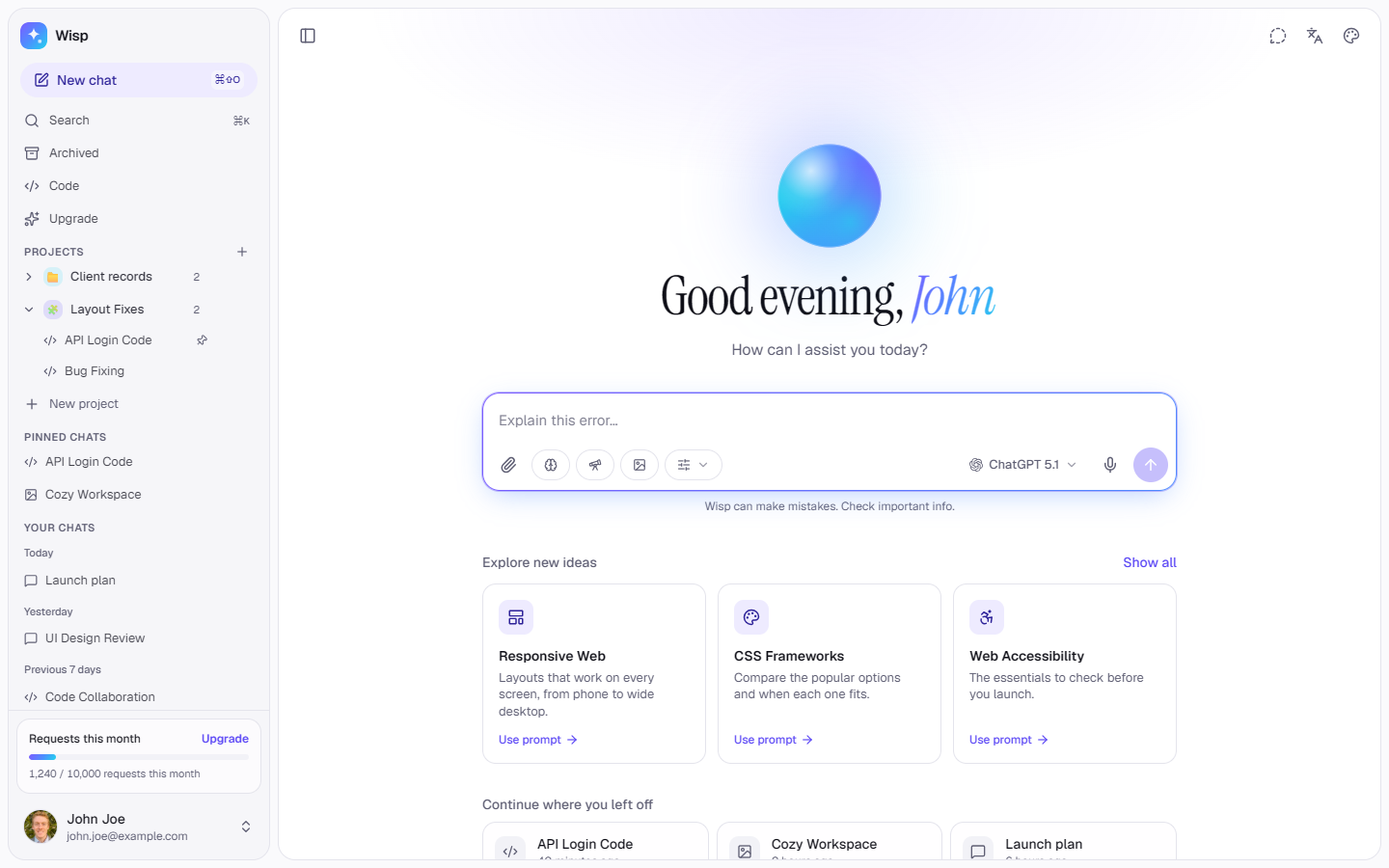
Behind the build · Wisp — AI Chat App Template for Next.js, shadcn/ui & Tailwind (Streaming, Research, Canvas)
How Wisp keeps a 520-message chat scrolling with Shiki in a Web Worker, persists to IndexedDB without crashing next start, and eight traps with blur, scrollbars and code blocks.
Ramin ValadanProved GitHub account and website, confirmed e-mail: checked by UpFork5 min readAI
8 lessons
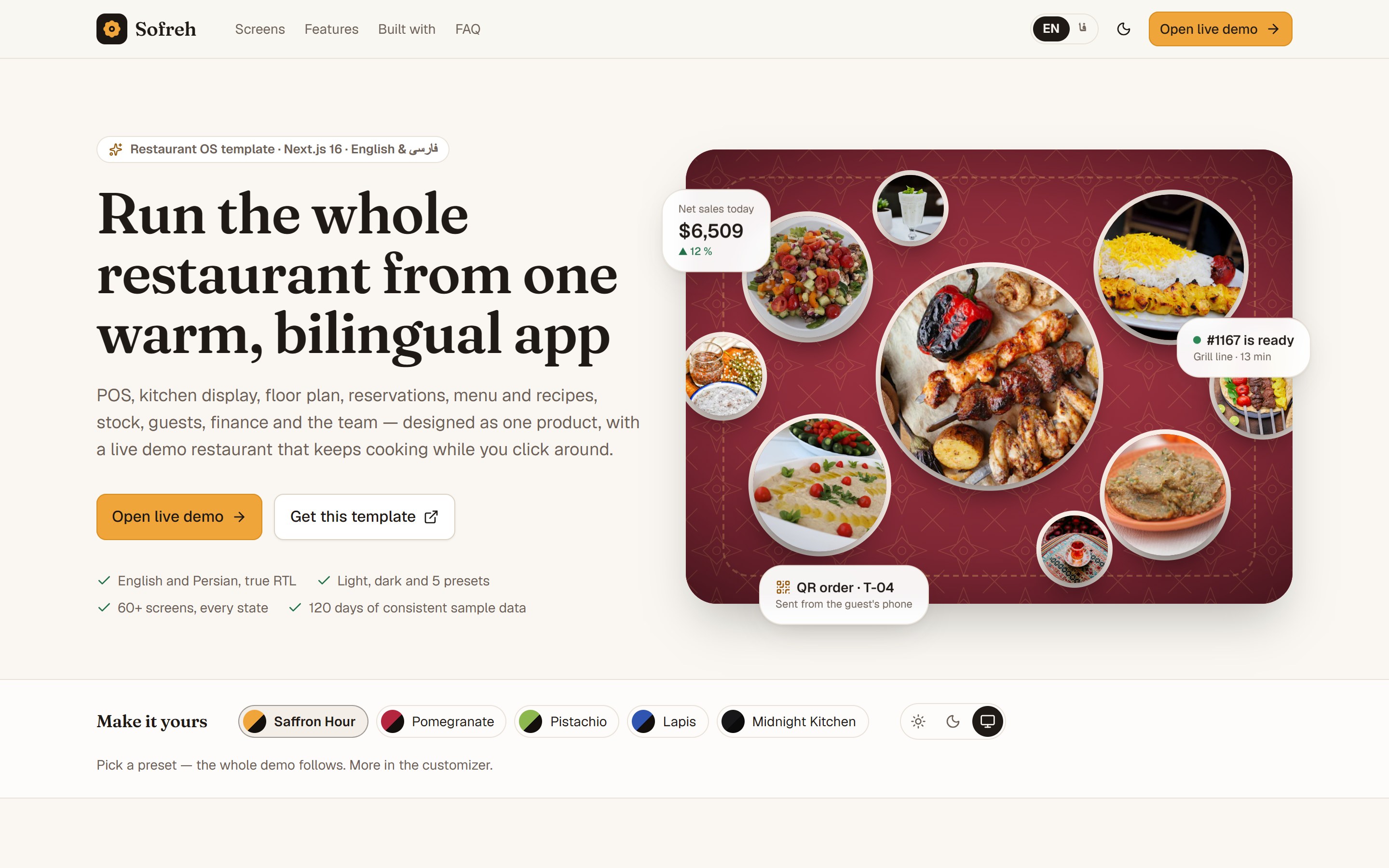
Behind the build · Sofreh — Restaurant POS, Kitchen Display & Back Office Template for Next.js (English & Persian)
How Sofreh keeps a POS, kitchen screen and order board in sync across tabs with no server, builds 120 days of data in a Web Worker, and seven traps in Next.js, React 19, pnpm and testing.
Ramin ValadanProved GitHub account and website, confirmed e-mail: checked by UpFork6 min readAI
7 lessons
Base UI triggers expect the element they render to be a native <button> unless told otherwise, and handle it as one.
nativeButton={false} on any trigger whose render isn't a <button>, so Base UI knows the element isn't a native button.
sidebar.tsx line 190.
the Base UI primitive tracks the state and marks it with data-indeterminate, but the shadcn component's indicator only holds a check icon, so a box with some rows picked looked the same as one with all of them.
the indicator holds both icons and shows one by state, with Tailwind's in-data-indeterminate: variant: the check hides and a minus appears.
ui/checkbox.tsx lines 19–25; the indeterminate props in contact-table.tsx and toolbar.tsx.
compare emptiness first, explicitly: a contact without a city goes after one with a city whichever way the list runs, and only two cities are compared with the collator.
logic.ts lines 140–141.
+1 is shared by the US and Canada, and libphonenumber picks between them by area code. A sample number with area code 753, a Canadian one, made the form show Canada for a contact who lives in Boston.
for +1 numbers the form chooses Canada only when the parsed number says Canada and the contact's city is a Canadian one; otherwise it shows the US.
contact-form.tsx lines 27 and 56–57; the sample contact in data.ts.
the photos are fetched and decoded once, all together, and the app waits for them, for at most 2.5 seconds, before it shows the list. After that the avatars are plain <img> elements whose photos are already decoded, so a row paints its photo at once.
hooks.ts lines 47–69.
			<Popover open={renaming} onOpenChange={setRenaming}>
<PopoverTrigger nativeButton={false} render={<span aria-hidden tabIndex={-1} className="absolute inset-y-0 right-0 w-px" />} /> <CheckboxPrimitive.Indicator
data-slot="checkbox-indicator"
className="grid place-content-center text-current transition-none [&>svg]:size-3.5"
>
<CheckIcon className="in-data-indeterminate:hidden" />
<MinusIcon className="hidden in-data-indeterminate:block" />
</CheckboxPrimitive.Indicator>const collator = new Intl.Collator("en", { sensitivity: "base", numeric: true })
export function sortContacts(list: Contact[], sort: Sort) {
const sign = sort.dir === "asc" ? 1 : -1
const byName = (a: Contact, b: Contact) => collator.compare(fullName(a), fullName(b))
const compare: Record<Sort["field"], (a: Contact, b: Contact) => number> = {
name: (a, b) => sign * byName(a, b),
// "Ascending" for dates reads as newest first, like every inbox.
added: (a, b) => sign * (b.addedAt - a.addedAt) || byName(a, b),
// Contacts without a city go last, whichever way the list runs.
city: (a, b) => (!a.city !== !b.city ? (a.city ? -1 : 1) : sign * collator.compare(a.city, b.city)) || byName(a, b),function toValues(c?: Contact, defaults?: Partial<ContactDraft>): Values {
const src = { ...c, ...defaults }
const parsed = src.phone ? parsePhoneNumberFromString(src.phone) : undefined
// +1 is shared by the US and Canada: Canada only when the city says so (753 is a Canadian area code, Boston isn't).
const country = parsed?.countryCallingCode === "1" ? (parsed.country === "CA" && CANADIAN.test(src.city ?? "") ? "CA" : "US") : ((parsed?.country as string) ?? "US")/** Fetches and decodes the photos once, so switching folders never flashes initials. Gives up after `timeout`. */
export function usePreloadedPhotos(urls: string[], timeout = 2500) {
const [done, setDone] = React.useState(false)
const key = urls.join("|")
React.useEffect(() => {
let alive = true
const list = key ? key.split("|").filter((u) => u && !u.startsWith("data:")) : []
const loads = list.map(
(src) =>
new Promise<void>((resolve) => {
const img = new Image()
img.decoding = "async"
img.src = src
img.decode().then(resolve, resolve)
})
)
Promise.race([Promise.all(loads), new Promise((r) => setTimeout(r, timeout))]).then(() => alive && setDone(true))
return () => {
alive = false
}
}, [key, timeout])
return done
}
Comments
0 comments
No comments yet. Questions, what you built with it, what could be better: its developer reads them.
Sign in to comment.
Sign in to comment