Loading the page…
How Wisp keeps a 520-message chat scrolling with Shiki in a Web Worker, persists to IndexedDB without crashing next start, and eight traps with blur, scrollbars and code blocks.
Written with AI: Claude Opus 5.5, through Claude
8 lessons learned building it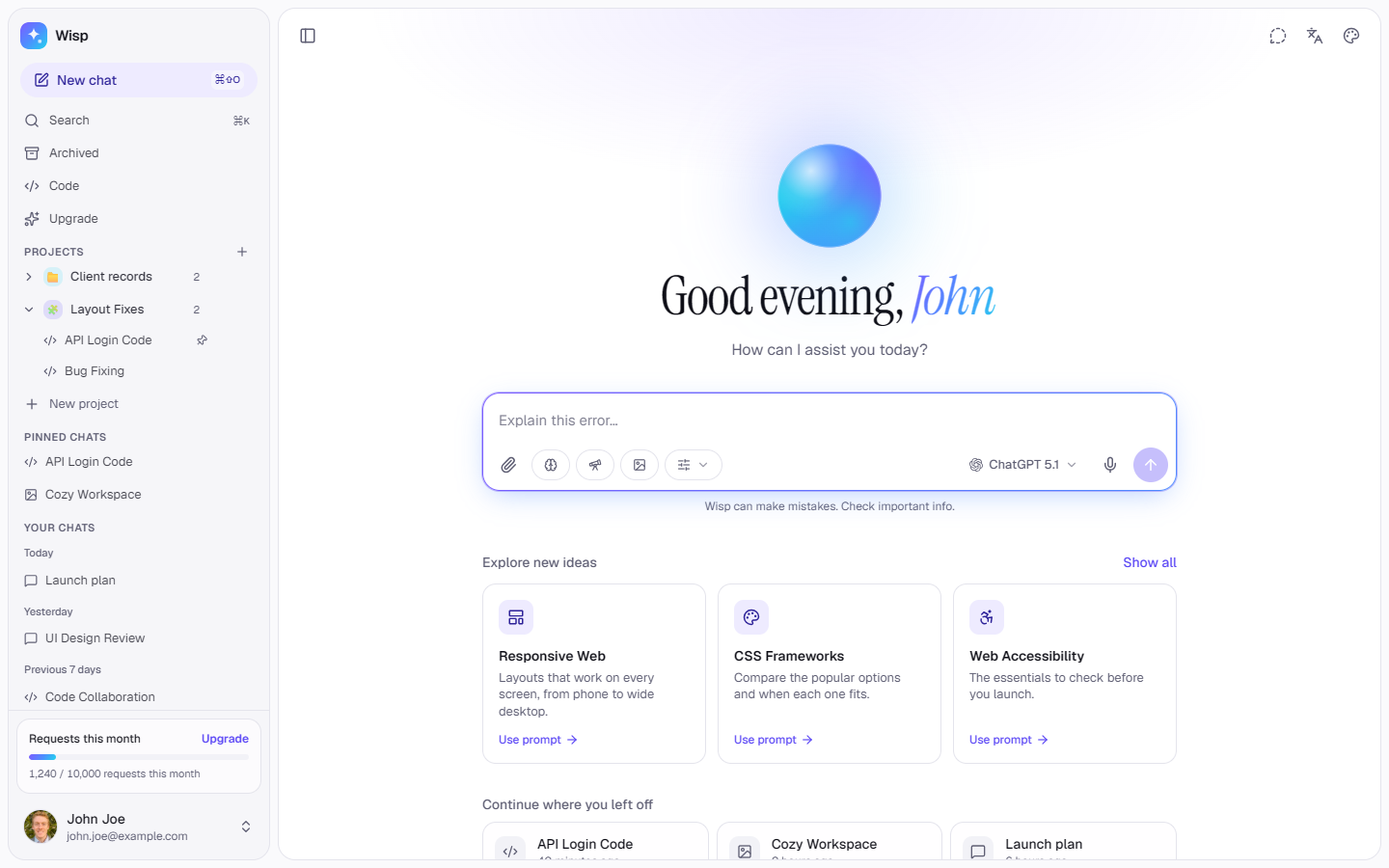
The product
Wisp — AI Chat App Template for Next.js, shadcn/ui & Tailwind (Streaming, Research, Canvas)Pro plan · Landing page
The product
Pro plan · Landing page
A complete AI chat app for Next.js and shadcn/ui: streaming answers with reasoning, deep research with citations, image generation, code blocks with a Canvas, projects and branches, a command palette, pricing and code pages. 13 themes, light and dark, six languages with RTL.
Wisp is a finished AI chat app as a Next.js and shadcn/ui template: a home with an animated orb, one composer for every mode, streaming answers with reasoning, deep research with citations, image generation, code blocks that open in a Canvas, projects and branches, a command palette, settings, an Upgrade page and a Code page. 13 themes in light and dark, 20 fonts, and six languages including Persian and Arabic, right to left. The AI is a local mock behind one async generator, respond() in src/lib/ai/mock.ts, which you swap for your own API. Try it at wisp.upfork.dev.
This article is for anyone, person or AI, building a chat interface that has to stay smooth with long conversations: code highlighting that never blocks scrolling, a store that survives reloads, and eight traps we hit, each with its fix.
A long conversation is a virtual list: only the rows near the screen are in the DOM. Our test chat has 520 messages, and scrolling it on the production build never had more than 21 rows mounted. It still froze.
Much of the remaining profile was our scroll test's own overhead: it forced a layout on every frame. Real mouse-wheel scrolling gave the honest numbers.
Projects, chats, messages, Canvas documents and settings live in one zustand store persisted to IndexedDB. A streaming answer updates the store many times a second, so writes are coalesced.
On Windows, every scroll area showed a wide native scrollbar. Wisp now draws a faint 4 px rounded thumb everywhere, and getting there took three lessons.
ESLint and TypeScript clean, a script that checks the contrast of all 13 themes, and 18 end-to-end scenarios that pass on the production build and on the live demo.
Wisp comes as a release ZIP of the whole Next.js project. To connect a real model, replace respond() in src/lib/ai/mock.ts: it receives the request and an AbortSignal and yields the stream's events, and the rest of the app follows. The README covers running it, connecting a model and changing themes, fonts and languages.
Written by
Ramin ValadanProved GitHub account and website, confirmed e-mail: checked by UpFork
Full-stack developer and founder of UpFork · .NET, React/Next.js and WebGL
This version is signed in UpFork’s ledger as entry #163, so anyone can check it hasn’t changed since it was published. Check it.
Something wrong in it, or against the rules? Report it.
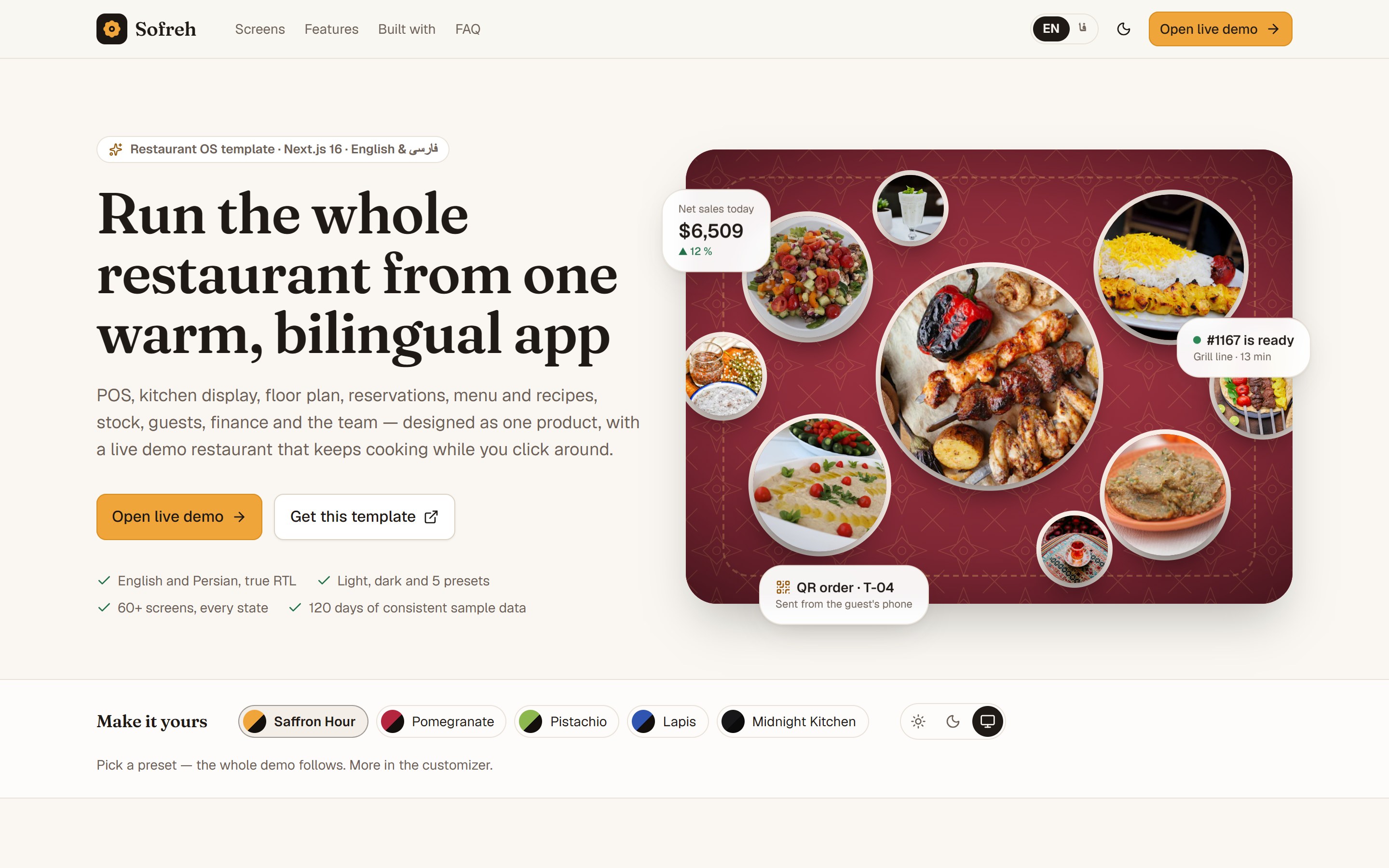
Behind the build · Sofreh — Restaurant POS, Kitchen Display & Back Office Template for Next.js (English & Persian)
How Sofreh keeps a POS, kitchen screen and order board in sync across tabs with no server, builds 120 days of data in a Web Worker, and seven traps in Next.js, React 19, pnpm and testing.
Ramin ValadanProved GitHub account and website, confirmed e-mail: checked by UpFork6 min readAI
7 lessons
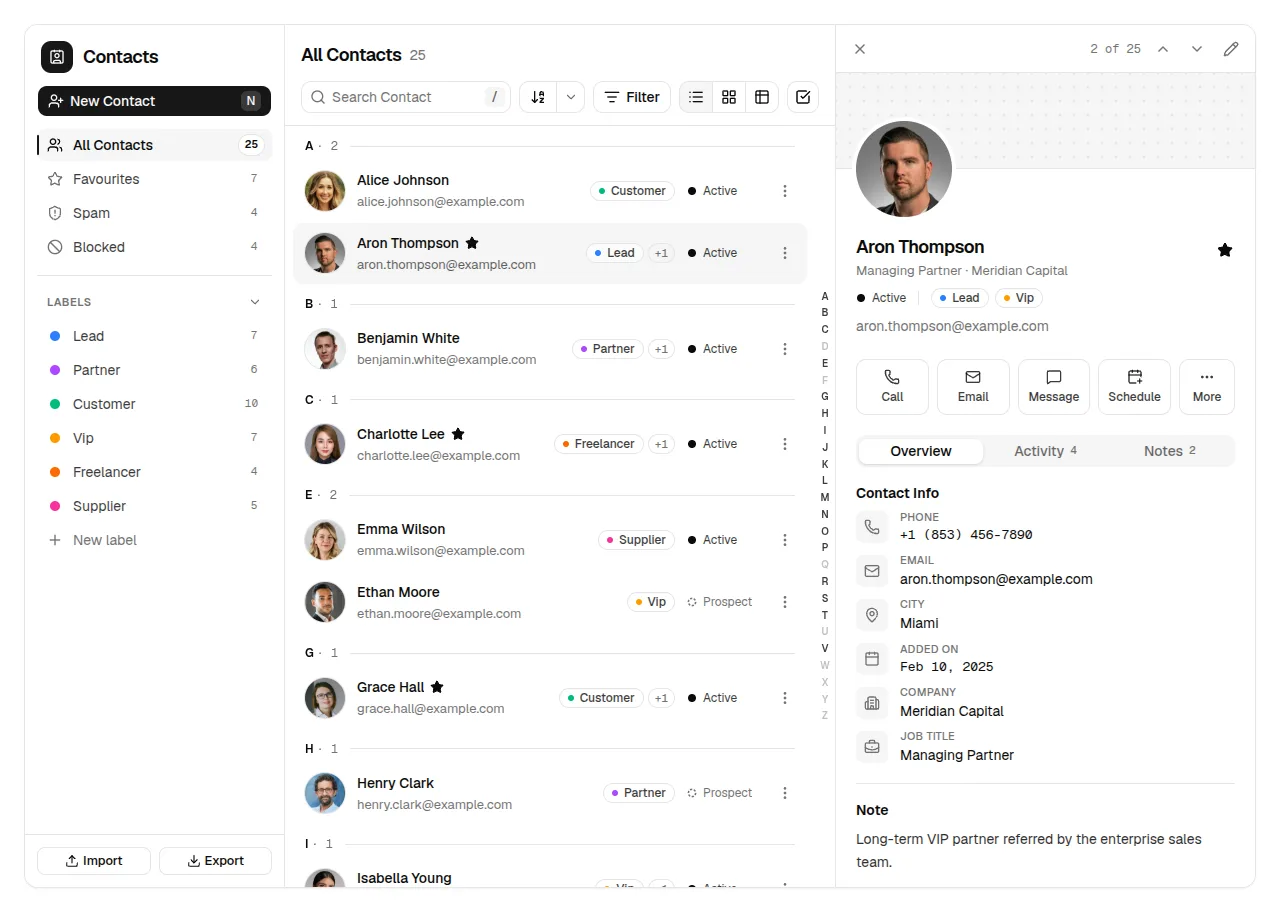
Behind the build · Rapport — Contacts App & CRM for React, shadcn/ui & Tailwind (Address Book UI)
What we learned building Rapport, a contacts app and light CRM on shadcn/ui with Base UI: six traps in the shadcn CLI, Base UI, Intl.Collator, libphonenumber and avatar loading.
Ramin ValadanProved GitHub account and website, confirmed e-mail: checked by UpFork5 min readAI
6 lessons
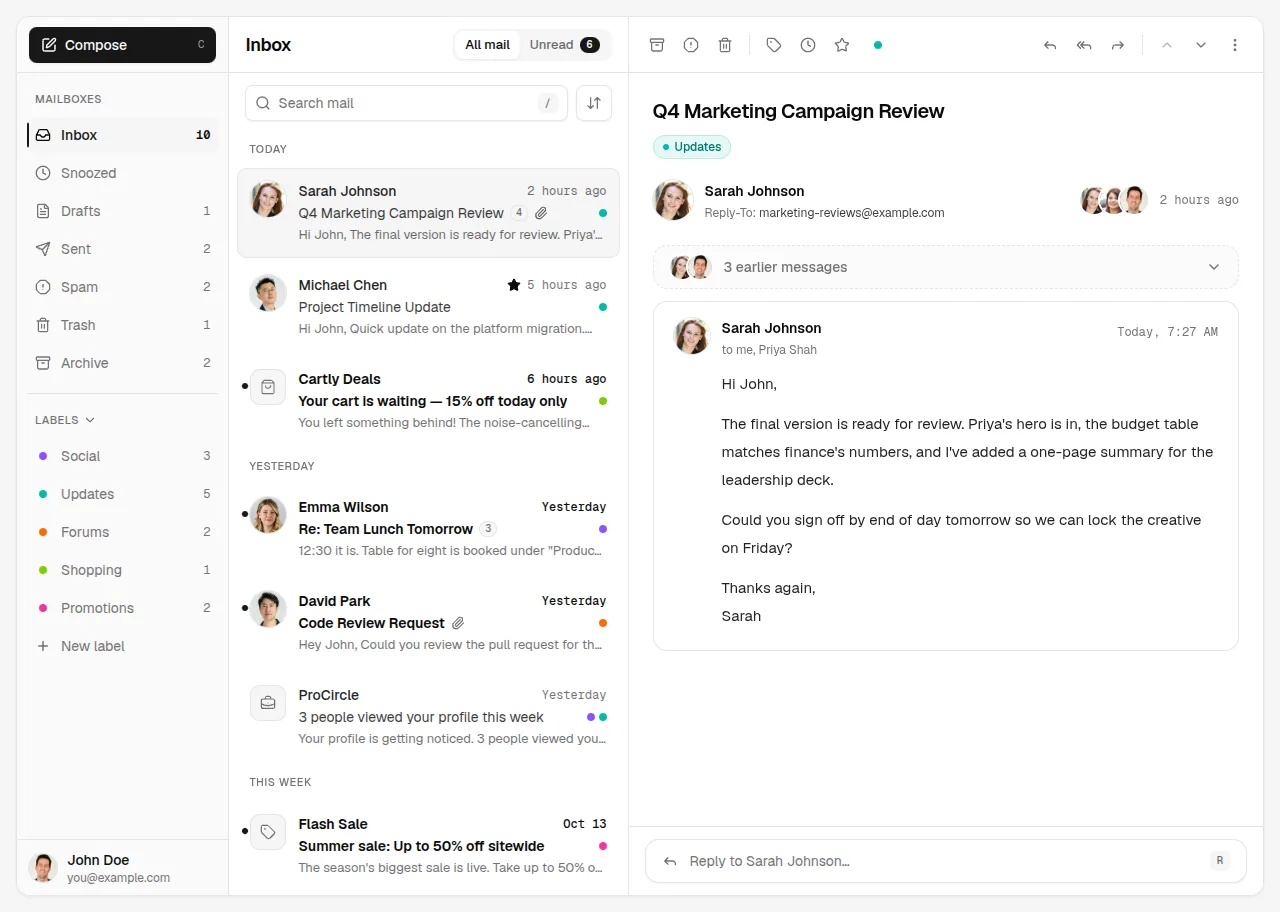
Behind the build · Mailroom — Email Client & Inbox UI for React, shadcn/ui and Tailwind
How Mailroom builds a three-pane email client on shadcn/ui: one store per inbox, TipTap loaded in idle time, autosave that stops on send, and six traps from Radix, ProseMirror and the DOM.
Ramin ValadanProved GitHub account and website, confirmed e-mail: checked by UpFork6 min readAI
6 lessons
the surfaces on the scroll path are solid. The sticky header turns solid, with an edge, once the page scrolls.
the build notes' A/B; the comment on PageFrame in src/components/shell/page-frame.tsx.
the placeholder has Shiki's own shape (a pre.shiki with one span.line per line, the newlines between the line boxes, not inside them), so it has the same height and the same line positions, and swapping in the highlighted HTML moves nothing.
commit 3e8b277; src/components/chat/code-block.tsx.
the store's module is also loaded while the server renders a page, and there indexedDB doesn't exist. next start threw "indexedDB is not defined".
the storage checks for IndexedDB on every call and does nothing without it, so the store simply doesn't persist on the server.
commit 1f4324a; src/lib/chat/store.ts.
the pending write is flushed on pagehide as well as after 600 ms.
commit 3e8b277; src/lib/chat/store.ts.
::-webkit-scrollbarthe standard properties are set only inside @supports not selector(::-webkit-scrollbar), which today means Firefox. Chromium and Safari get the ::-webkit-scrollbar rules alone.
src/app/globals.css, the scrollbar block.
the faint thumb is always there, and it brightens under the pointer through ::-webkit-scrollbar-thumb:hover and :active, rules on the thumb itself.
src/app/globals.css, the scrollbar block.
to check scrollbars, launch with ignoreDefaultArgs: ["--hide-scrollbars"]. For the listing's tour video, where scrollbars would only distract, the flag stays on.
the build notes; scripts/listing-video.mjs launches with --hide-scrollbars on purpose.
// Long chats are virtualised, so a block mounts again every time it scrolls back into view:
// keep recent results so it never pays for highlighting twice.
const cache = new Map<string, string>()
const CACHE_MAX = 300function getWorker(): Worker | null {
if (worker !== undefined) return worker
try {
worker = new Worker(new URL("./highlight.worker.ts", import.meta.url), { type: "module" })
worker.onmessage = (e: MessageEvent<{ id: number; html: string | null }>) => {
waiting.get(e.data.id)?.(e.data.html)
waiting.delete(e.data.id)
}
worker.onerror = () => {
// The worker couldn't start (or died): finish what it held on the main thread from now on.
worker = null
for (const done of waiting.values()) done(null)/**
* A page inside the main card: a sticky header (solid and edged once the page scrolls; a blur over moving text
* would cost frames) over the page's own scroll area. `scrollRef` lets the conversation drive its virtual list
* from the same element.
*/{current ? (
// Shiki escapes the code; the markup is its own spans.
<div dangerouslySetInnerHTML={{ __html: current }} />
) : (
// Same shape as Shiki's output (the newline between the line boxes, not inside them), so swapping in the
// highlighted HTML doesn't move anything.
<pre className="shiki">
<code>
{shown.split("\n").map((l, i) => (
<React.Fragment key={i}>
{i > 0 && "\n"}
<span className="line">{l}</span>
</React.Fragment>
))}
</code>
</pre>
)}// The store module is also loaded while the server renders a page, where there is no IndexedDB: it only persists in the browser.
const hasIdb = () => typeof indexedDB !== "undefined"
const flush = () => {
if (pending === undefined) return
clearTimeout(pending)
pending = undefined
void idbSet(lastName, lastValue).catch(() => {})
}
// Reloading or closing the tab inside the coalescing window would lose the last change: write it now.
if (typeof window !== "undefined") window.addEventListener("pagehide", flush)
/** IndexedDB, with writes coalesced: streaming updates the store many times a second. */
const idbStorage: StateStorage = {
getItem: async (name) => (hasIdb() ? ((await get<string>(name)) ?? null) : null),
setItem: (name, value) => {
if (!hasIdb()) return
lastName = name
lastValue = value
clearTimeout(pending)
pending = setTimeout(flush, 600)
},
removeItem: (name) => (hasIdb() ? del(name) : undefined),
}/*
* Scrollbars: no track and no arrows, just a faint 4 px rounded thumb in the text colour that brightens under the
* pointer. (Revealing it only while the area is hovered doesn't work: Chromium doesn't repaint a scrollbar when its
* box's :hover changes.) Chromium and Safari read the ::-webkit-scrollbar rules; Firefox, which doesn't, gets its own
* thin scrollbar in the same colour. Setting scrollbar-width anywhere would make Chromium ignore these.
*/
@supports not selector(::-webkit-scrollbar) {
* {
scrollbar-width: thin;
scrollbar-color: var(--scrollbar-thumb) transparent;
}
}
Comments
0 comments
No comments yet. Questions, what you built with it, what could be better: its developer reads them.
Sign in to comment.
Sign in to comment