Loading the page…
Loading the page…
How Mailroom builds a three-pane email client on shadcn/ui: one store per inbox, TipTap loaded in idle time, autosave that stops on send, and six traps from Radix, ProseMirror and the DOM.
Written with AI: Claude Opus 5.5, through Claude
6 lessons learned building itThe product
Pro plan · Component
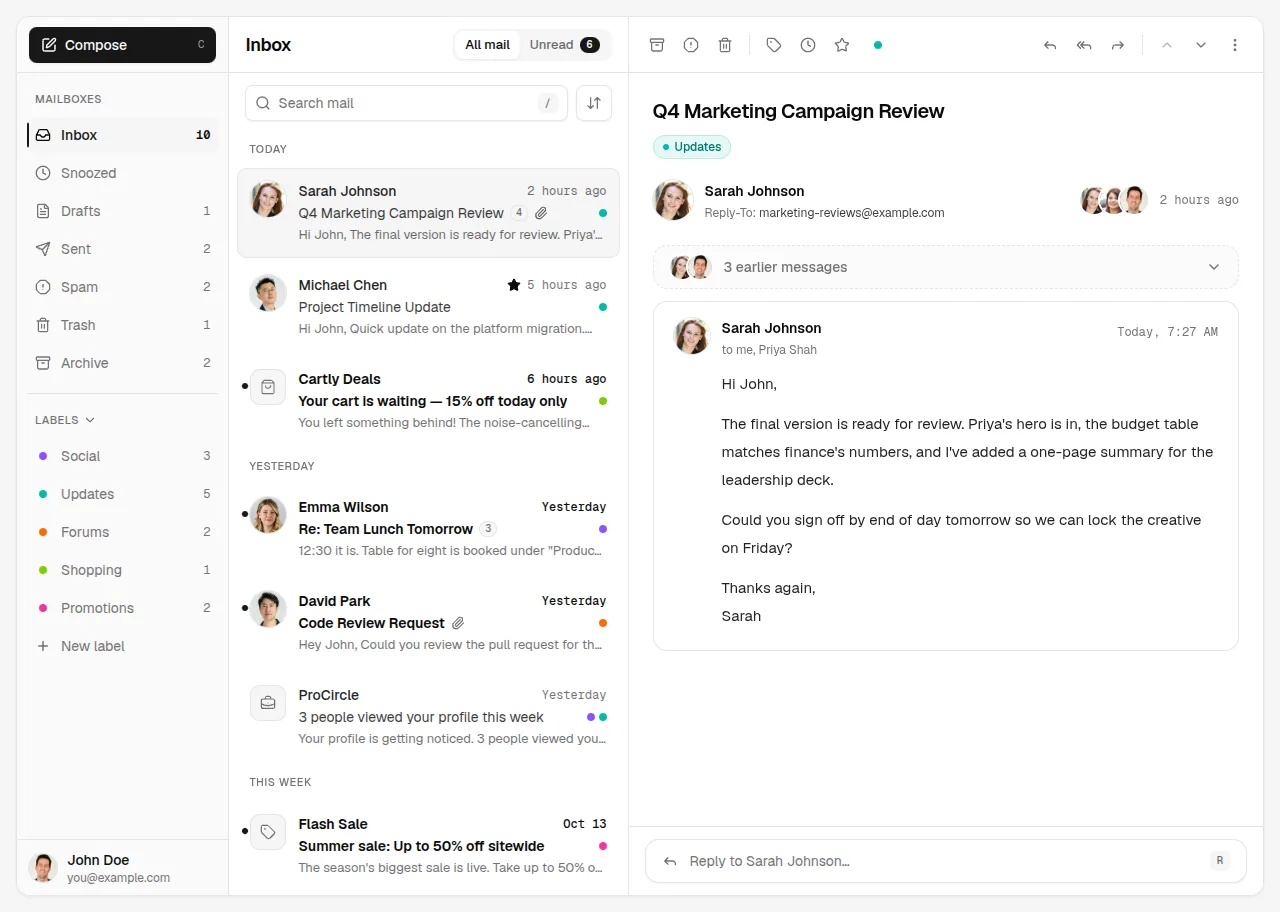
A complete email client for React and shadcn/ui: three resizable panes, folders and labels, threaded conversations, a rich-text compose window with recipient chips and attachments, an inline reply, snooze, multi-select with bulk actions, undo toasts, keyboard shortcuts, phone…
npx shadcn@latest add @upfork/email-client-inbox-react-shadcnMailroom is an email client component for React and shadcn/ui: three resizable panes (folders, the list, the conversation), threads, a rich-text Compose window with recipient chips and attachments, an inline reply, snooze, labels, multi-select with bulk actions and Undo, keyboard shortcuts, and layouts for tablets and phones, light and dark from shadcn's own tokens.
This article is for anyone, person or AI, building a complex app-like component on shadcn/ui: how the state is held, how a rich-text editor stays out of the first load, how autosave behaves around an animated window, and six small traps in Radix, ProseMirror, React and the DOM that each cost a real bug, with the fix for each.
Every <Mail> creates its own zustand store, so two inboxes on one page never share a selection, and the parts of the UI read it through a context. Things that are not state but one-off requests between parts (a shortcut asking the toolbar to open its label picker, "reply" from a key press) travel as events on the same context:
The layout follows the component's own width, not the window's: three panes from 900 px, two from 640 px, one below, so the same component works full screen or inside a dashboard column. On the one-pane layout every button grows to a 40 px tap target and fields get 16 px text, so iOS doesn't zoom in when one is focused:
That selector looks for two data-slot values, not one, and that is the first trap:
The Compose window and the inline reply use TipTap. The editor is 127 kB gzipped on its own, so it is a separate chunk, fetched while the page is idle, and mounted in the same render if it has already arrived:
The page loads about 337 kB gzipped without the editor, and the editor is in the browser before anyone opens Compose. When it isn't yet, a stand-in of the same size shows the placeholder, so nothing jumps when the real editor takes its place.
The editor sends on ⌘↵ (Ctrl+Enter on Windows) and closes on Escape, through ProseMirror's own key handler:
The Compose window has a ⌘↵ of its own, for when the focus is in the subject or a recipient field:
Files come from a picker or a drop. After a pick, the input is cleared so the same file can be picked again:
Compose saves into Drafts a moment after the last change. Sending, discarding or closing the window should end that, but the window doesn't unmount at once: it animates out inside AnimatePresence.
The list groups threads by day under sticky headers that stay on top of the rows as they scroll by:
The selected and checked rows sit on a muted surface, and their secondary text needed one more token:
22 unit tests, an end-to-end script of 108 checks run on the dev and production builds, axe on seven screens in both themes, and screenshots at 1440, 1024, 768 and 390 px. On UpFork it went through the importer, the preview builder and the install check, which installs it with the real shadcn CLI into a fresh Next.js project.
<Mail> takes your threads and contacts in the shape of types.ts, onSend and onReply to hand messages to your back end, and a defaultThreadId to open on; everything else (folders, labels, snooze, Undo) works on the store with no back end at all. It wears your shadcn theme, light and dark.
npx shadcn@latest add @upfork/email-client-inbox-react-shadcnInstalls with your UpFork access token once you have it: see how on its page.
Written by
Ramin ValadanProved GitHub account and website, confirmed e-mail: checked by UpFork
Full-stack developer and founder of UpFork · .NET, React/Next.js and WebGL
This version is signed in UpFork’s ledger as entry #113, so anyone can check it hasn’t changed since it was published. Check it.
Something wrong in it, or against the rules? Report it.
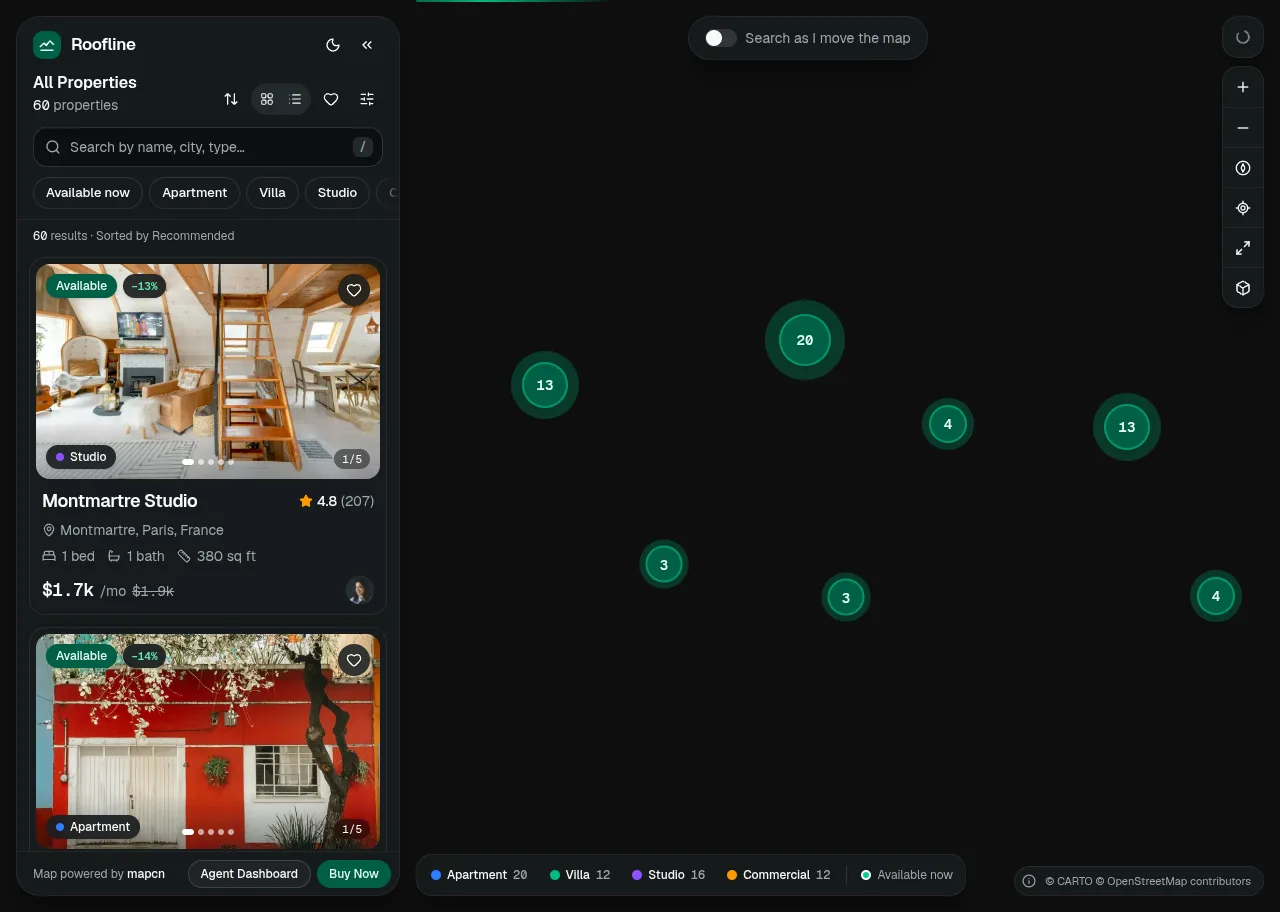
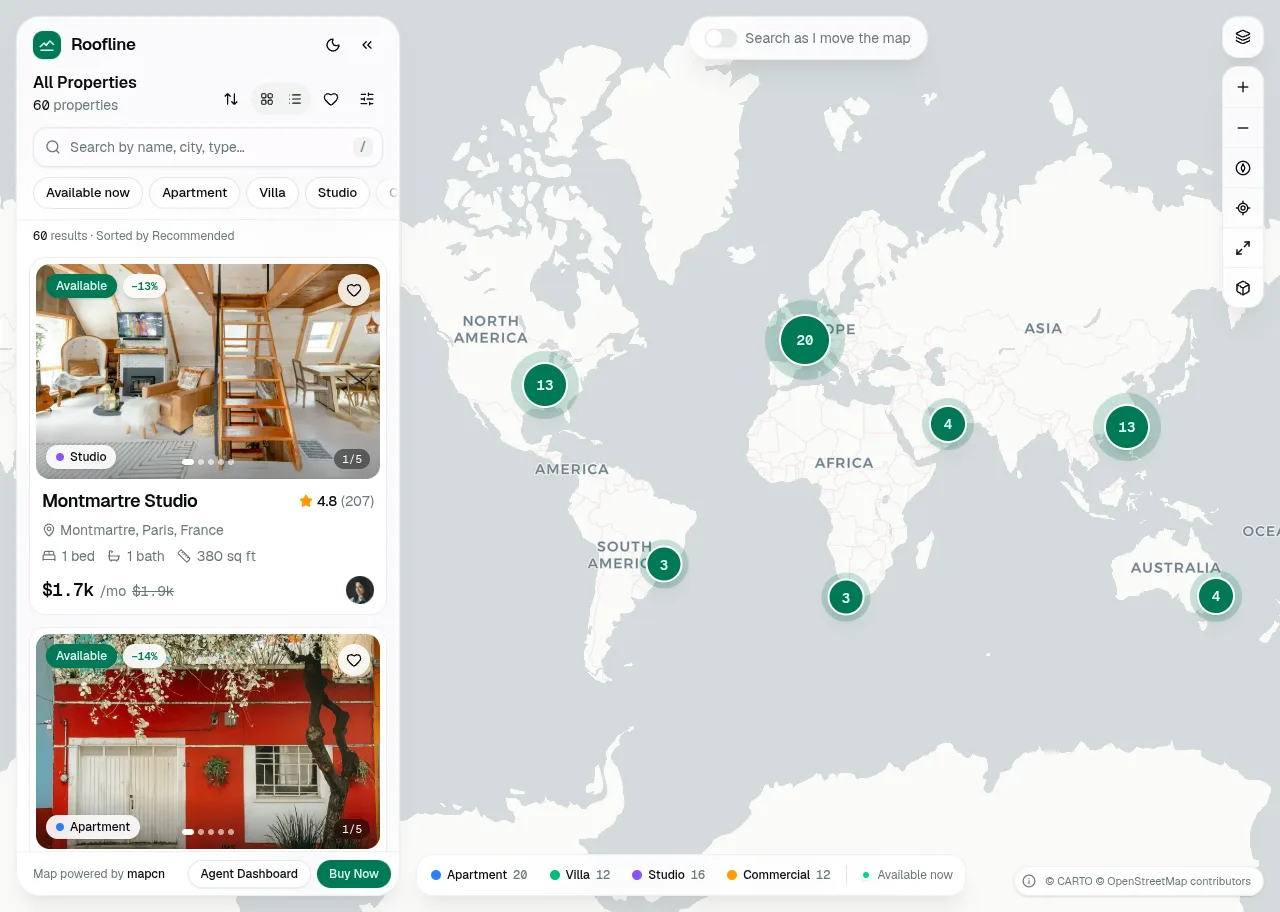
Behind the build · Roofline — Real Estate Map Search for React, shadcn/ui & Tailwind (Property Listings)
How Roofline puts MapLibre 6 inside a shadcn/ui app: a worker that starts even in a sandboxed frame, price clusters, React markers, theme colours, and six traps from MapLibre, vaul, cmdk and zod.
Ramin ValadanProved GitHub account and website, confirmed e-mail: checked by UpFork8 min readAI
6 lessons
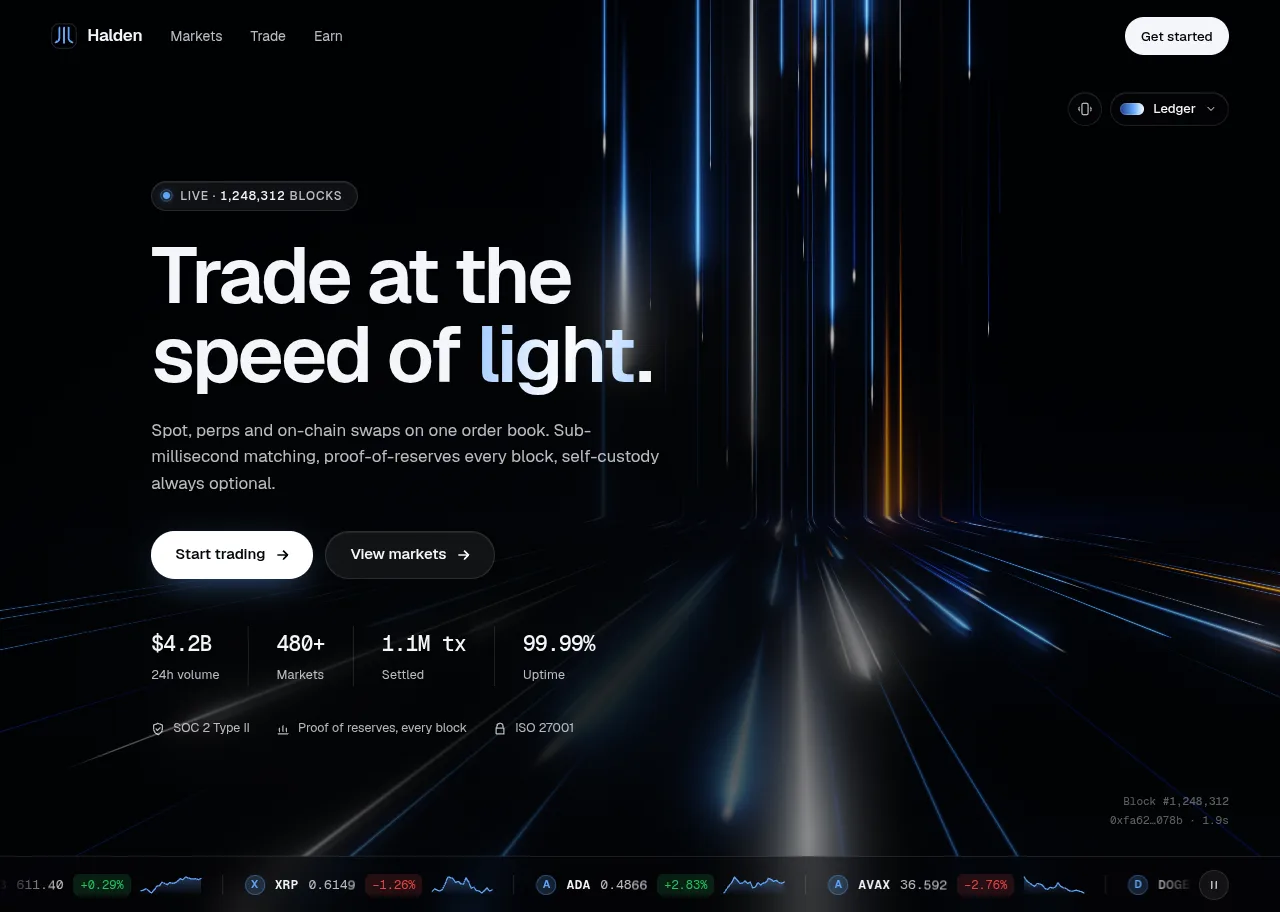
Behind the build · Lightfall — Crypto & Web3 Hero Section for React with WebGL Background
How Lightfall draws up to 160 light lanes in one shader pass, why its WebGL runs in a Web Worker (Lighthouse 70 to 98), and eight traps in GLSL, layout shift, timing and contrast.
Ramin ValadanProved GitHub account and website, confirmed e-mail: checked by UpFork9 min readAI
8 lessons
Behind the build · Daybook — Event Calendar & Scheduler for React, shadcn/ui & Tailwind (Drag & Drop)
How Daybook lays out overlapping events, moves them by mouse, touch and keyboard with dnd-kit, and eight traps we hit in zustand, Base UI, dnd-kit, the React Compiler lint and WCAG.
Ramin ValadanProved GitHub account and website, confirmed e-mail: checked by UpFork7 min readAI
8 lessons
[data-slot=button]a Button wrapped in <TooltipTrigger asChild> renders with data-slot="tooltip-trigger": Radix's Slot merges the trigger's props onto its child, and the trigger's data-slot replaces the Button's. A rule on [data-slot=button] missed every button that has a tooltip.
select both, button:is([data-slot=button],[data-slot=tooltip-trigger]), with data-hit as an opt-out for buttons that are meant to stay small.
commit 2e3b352; mail.tsx lines 125–126.
a ⌘↵ inside the editor ran the editor's submit and then bubbled up to the window's handler, which sent again: one keystroke, two sends.
the editor's handleKeyDown returns true when it handles the key, which makes ProseMirror call preventDefault(), and the window's handler returns at once for an event that is defaultPrevented.
commit 2e3b352; rich-text.tsx lines 101–111 and compose-window.tsx lines 194–200.
copy first, const picked = [...list], and build the attachments from the copy.
commit 2e3b352; compose-window.tsx line 181, and the same in inline-reply.tsx.
after Send, the window stayed mounted while it animated out, so its pending autosave fired during the exit and saved the message that had just been sent back into Drafts.
a done ref that send, discard and close set at the moment they happen, which clears the timer and turns any late timer into a no-op; the effect also skips scheduling once it is set.
commit 2e3b352; the comment "Once the window is sent, discarded or closed it saves nothing more, even while it animates out" in compose-window.tsx.
isolate (isolation: isolate) on the list's root and on the mail root, so the z-indexes inside compete only with each other.
commit 2e3b352; mail-list.tsx line 231 and mail.tsx line 123.
TEXT_ON_MUTED = "text-foreground/60", the same palette, which clears 4.5:1 in both themes; axe finds no violations on seven screens in light and dark.
commit 2e3b352; parts.tsx lines 42–46 and the project's axe run.
export type MailEvent =
  | { type: "focus-search" }
  | { type: "open-labels" }
  | { type: "open-snooze" }
  | { type: "reply"; mode: ReplyMode }
| { type: "open-folders" } <TooltipProvider delayDuration={300} skipDelayDuration={200}>
<div
ref={root}
data-layout={layout ?? undefined}
className={cn(
"relative isolate flex h-full min-h-[460px] w-full min-w-0 overflow-hidden bg-background text-foreground",
layout !== "one" && "rounded-xl border shadow-xs",
// Phones: every button is at least a 40 px tap target.
"data-[layout=one]:[&_button:is([data-slot=button],[data-slot=tooltip-trigger]):not([data-hit])]:min-h-10 data-[layout=one]:[&_button:is([data-slot=button],[data-slot=tooltip-trigger]):not([data-hit])]:min-w-10",
// …and 16 px text in fields, so iOS doesn't zoom in when one is focused.
"data-[layout=one]:[&_.ProseMirror]:text-base",
className,
)}type RichTextModule = typeof import("./rich-text")
let loaded: RichTextModule | null = null
const load = () =>
import("./rich-text").then((module) => {
loaded = module
return module
})
const RichText = React.lazy(load)
let preloaded = false
/** Fetches the editor in the background, so opening Compose or the reply box never waits for it. */
export function preloadEditor() {
if (preloaded) return
preloaded = true
void load()
}
/**
* The rich-text editor, loaded on first use. Until it arrives, a stand-in of the same size shows the placeholder,
* so nothing jumps.
*/
export function Editor(props: RichTextProps) {
// Already fetched (it preloads while the page is idle): mount it in this very render.
if (loaded) return <loaded.default {...props} />
return (
<React.Suspense fallback={<Standin {...props} />}>
<RichText {...props} />
</React.Suspense>
)
} handleKeyDown: (_view, event) => {
if (event.key === "Enter" && (event.metaKey || event.ctrlKey)) {
callbacks.current.onSubmit?.()
return true
}
if (event.key === "Escape" && callbacks.current.onEscape) {
callbacks.current.onEscape()
return true
}
return false
}, const onKeyDown = (event: React.KeyboardEvent) => {
// The editor handles its own ⌘↵ and marks the event as handled.
if (event.defaultPrevented) return
if (event.key === "Enter" && (event.metaKey || event.ctrlKey)) {
event.preventDefault()
send()
}
if (event.key === "Escape" && mode === "fullscreen" && !phone) {
event.preventDefault()
setMode("expanded")
}
} }
const addFiles = (list: FileList | null) => {
if (!list?.length) return
// Copy now: the input is cleared right after, which empties the live FileList.
const picked = [...list]
setFiles((current) => [
...current,
...picked.map((f) => ({
id: `${f.name}-${f.size}-${f.lastModified}`,
name: f.name,
size: f.size,
kind: attachmentKind(f.name, f.type),
url: URL.createObjectURL(f),
})),
])
} // Autosave into Drafts a moment after the last change. Once the window is sent, discarded or closed it saves
// nothing more, even while it animates out.
const first = React.useRef(true)
const done = React.useRef(false)
const autosave = React.useRef<ReturnType<typeof setTimeout>>(undefined)
const finish = () => {
done.current = true
clearTimeout(autosave.current)
}
React.useEffect(() => {
if (first.current) {
first.current = false
return
}
if (!hasContent || done.current) return
autosave.current = setTimeout(() => {
if (done.current) return
draftId.current = actions.saveDraft(draft(), draftId.current)
setSavedAt(Date.now())
}, AUTOSAVE_MS)
return () => clearTimeout(autosave.current)
// Runs when the content changes; draft() reads the same values.
// eslint-disable-next-line react-hooks/exhaustive-deps
}, [to, cc, bcc, subject, html, files]) <AnimatePresence initial={false}>
{groups.map((group) =>
[
group.title ? (
<motion.li
key={`group-${group.title}`}
layout={!reduce}
exit={{ opacity: 0 }}
transition={{ duration: reduce ? 0 : 0.18 }}
className="sticky top-0 z-20 -mx-2 bg-background/85 px-5 pt-2 pb-1.5 text-[11px] font-medium tracking-wider text-muted-foreground uppercase backdrop-blur-sm"
>
{group.title}
</motion.li>
) : null,/**
* Muted text that sits on a muted or accent surface. shadcn's muted-foreground on muted is 4.3:1, a little under AA;
* the foreground at 60% is the same palette and clears it in both themes.
*/
export const TEXT_ON_MUTED = "text-foreground/60"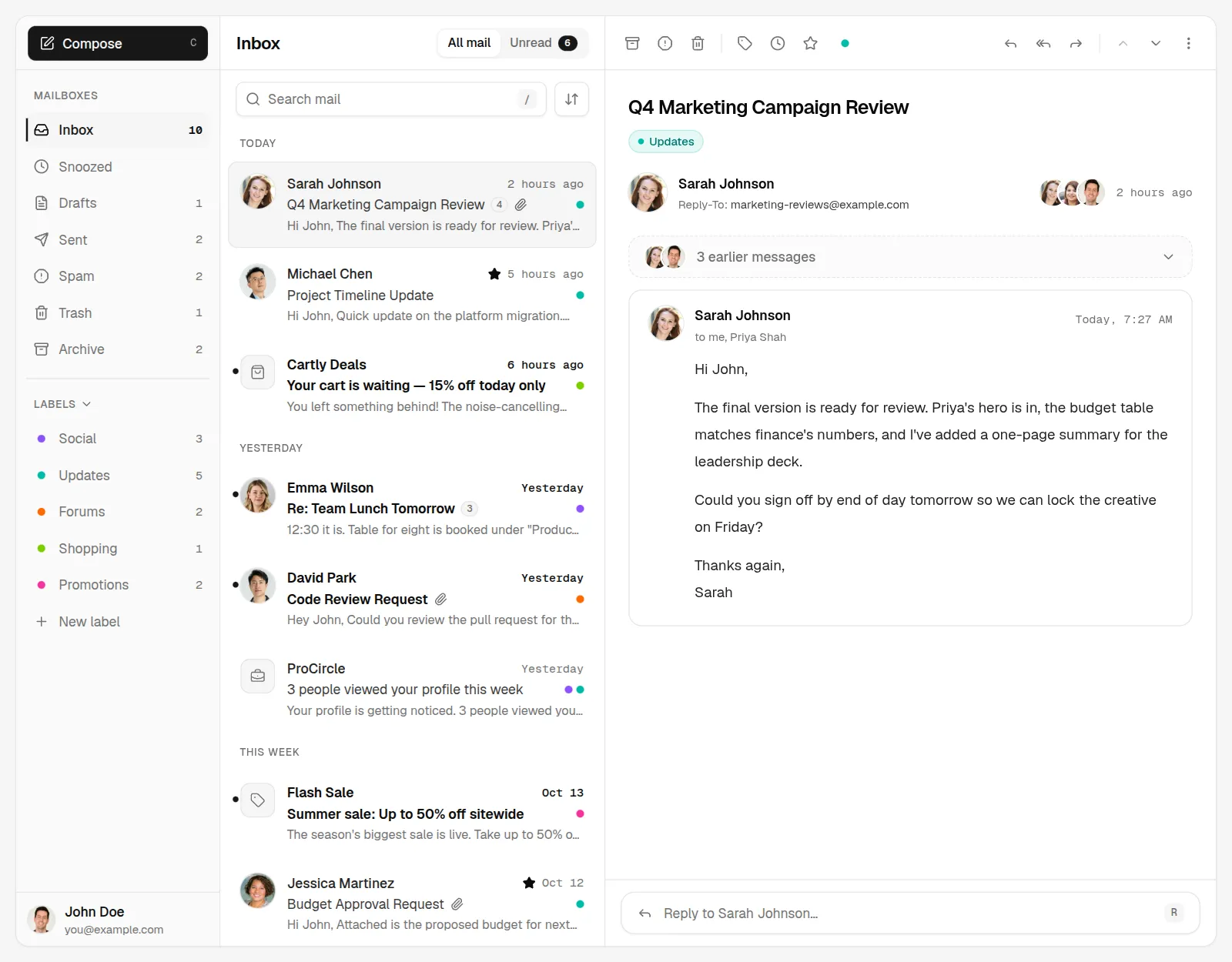
Comments
0 comments
No comments yet. Questions, what you built with it, what could be better: its developer reads them.
Sign in to comment.
Sign in to comment